Instructional Guide
Setting up & operating your Zephyr
Watch the instructional video, then follow the step-by-step guide below.
Start here · New video
How to set up and operate Zephyr for microsuction
Watch this short before your first procedure. It covers setup and the button technique that keeps Zephyr quiet, so you get up the learning curve faster.
Watch Neil Donnelly, Spoke Medical Clinical Advisor, and Consultant Otologist and Skull Base Surgeon explain how to use Zephyr
Operating Technique
The quietest results, step by step.
The following technique produced the best and quietest results:
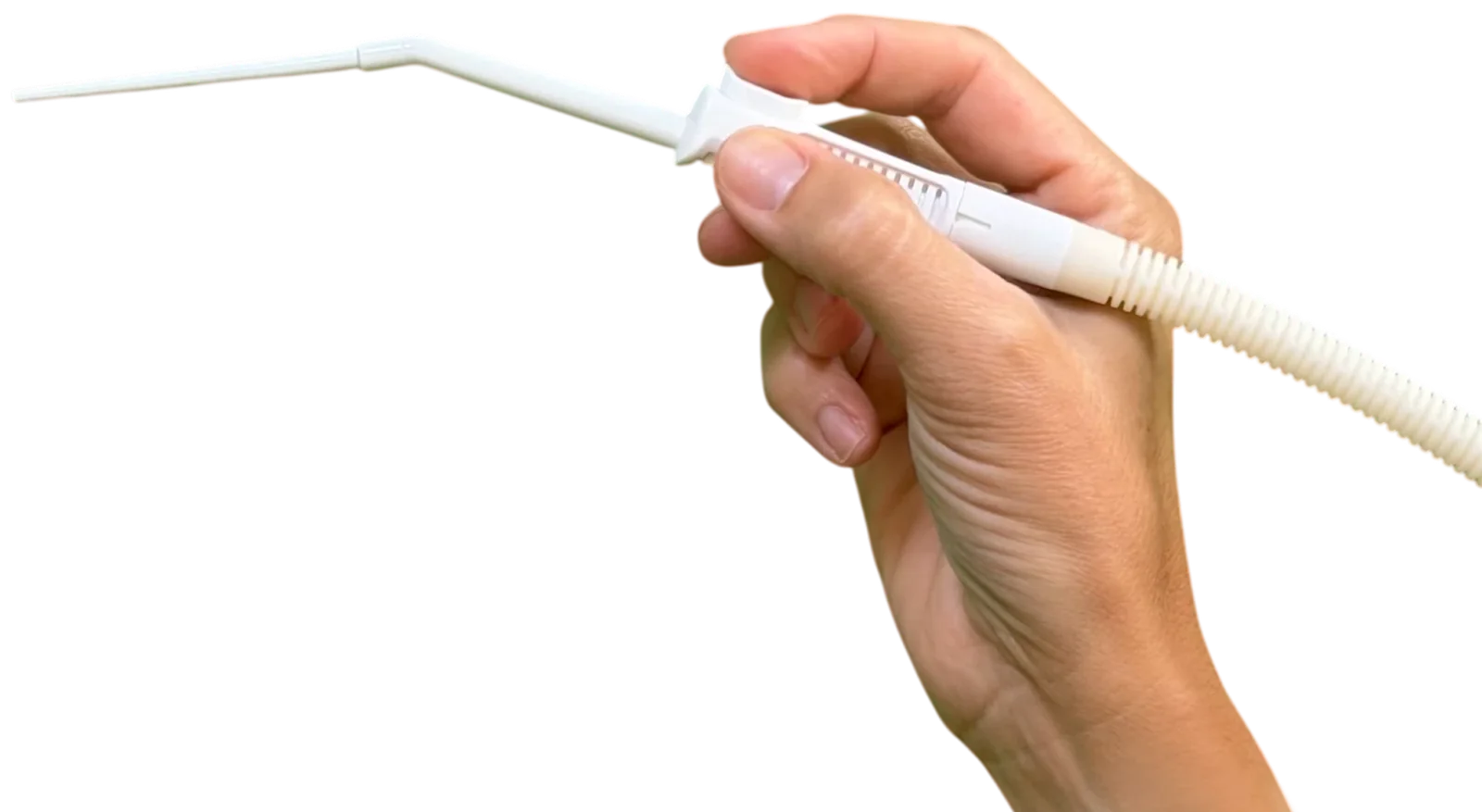
Fully depress the Zephyr button after attachment and before inserting the tip into the ear canal. Do not lock the button.
Place the Zephyr tip onto the wax and allow negative pressure to build progressively.
Soft wax
- Draw the wax into the tip lumen.
- Keep removing small amounts without elevating the button.
- If the tip becomes blocked or a large lump comes away, then remove the sucker completely from the ear and away from the patient before elevating the button to clear the obstruction.
- Excess wax may need to be wiped from the outer surface of the tip.
- Fully depress the button again before reintroducing Zephyr into the ear canal.
Harder wax
- Gently elevate the wax away from the ear canal to free it.
- At this point it will often come away on the Zephyr tip.
- Occasionally, partially mobile hard wax does not come away because of its shape or deep attachment. In these cases, avoid elevating the button and instead use curette, wax hook or forceps to remove.
Top Tips
- Avoid elevating the button whilst the tip is inside the ear canal, even if tempted to do so. Like conventional suction, an open sucker with a large airflow can generate unexpected loud noise and possibly fluting.
- Occasionally the tip does block but can be cleared by flushing with water.
- For smaller wax volumes or narrow ear canals, the smaller Zephyr tip is particularly effective.
The technique is quick to learn but take your time building experience. Patients much prefer it and low sound pressure levels will reduce complications.
Clinical Experience
A consultant’s experience with Zephyr.
This is my experience performing 50 microsuction procedures using Zephyr. When used with the technique described above, the device is considerably quieter than conventional microsuction. Almost all patients commented spontaneously on the reduction in noise and expressed a clear preference for Zephyr, with many stating that they “could hardly hear it” or “didn’t hear any noise at all.”
From an operator perspective, the device provides a very controlled and comfortable feel in the hand, particularly during delicate wax removal. I have also used Zephyr in a number of complex cases/mastoid cavities, including anxious patients who had previously experienced complications after microsuction and nervous children, all providing extremely positive feedback.
Ready to experience Zephyr?
Discover how Zephyr is redefining ear care with the first innovation in microsuction technology in over 75 years.